
Download VIRUSfighter – Antivirus, Security, Protection, Malware Removal
Overview
VIRUSfighter is a mobile antivirus application designed to deliver robust protection against evolving malware threats while maintaining optimal system performance. Its primary purpose is to safeguard smartphones and tablets from malicious software, including viruses, spyware, and ransomware, ensuring data integrity and device stability. The app addresses common challenges faced by users with older or less powerful devices—namely, slow performance due to heavy security software—by offering a lightweight, efficient solution. It is particularly suited for individuals who prioritize both security and speed, such as students, remote workers, and general users managing multiple apps and sensitive information on their mobile devices.
While the developer’s background is not publicly disclosed, the app’s focus on low resource consumption and real-time threat detection suggests a targeted approach to mobile security. Real-world use cases include routine device scans, on-the-go protection during mobile banking, and safeguarding personal data during file transfers. In the broader app ecosystem, VIRUSfighter fills a niche for users seeking a balance between comprehensive security and minimal system impact, making it a valuable addition to mobile protection tools.
Key Features & Functionality
- Low Resource Consumption: VIRUSfighter is engineered to operate efficiently, using minimal CPU and memory. This ensures that background scans do not interfere with daily tasks like messaging, browsing, or gaming, especially on devices with limited hardware capabilities.
- Real-Time Database Updates: The app automatically updates its malware signature database to detect and block emerging threats. This proactive approach helps users stay protected against newly discovered vulnerabilities and zero-day attacks.
- Fast and Effective Scanning: VIRUSfighter performs full and quick scans with high speed and accuracy. Users can initiate a scan and receive results within minutes, enabling timely threat mitigation without prolonged interruptions.
- High Virus Detection Rates: The application emphasizes detection accuracy, identifying a significant percentage of known malware variants. This reliability strengthens user confidence in the app’s ability to maintain device safety.
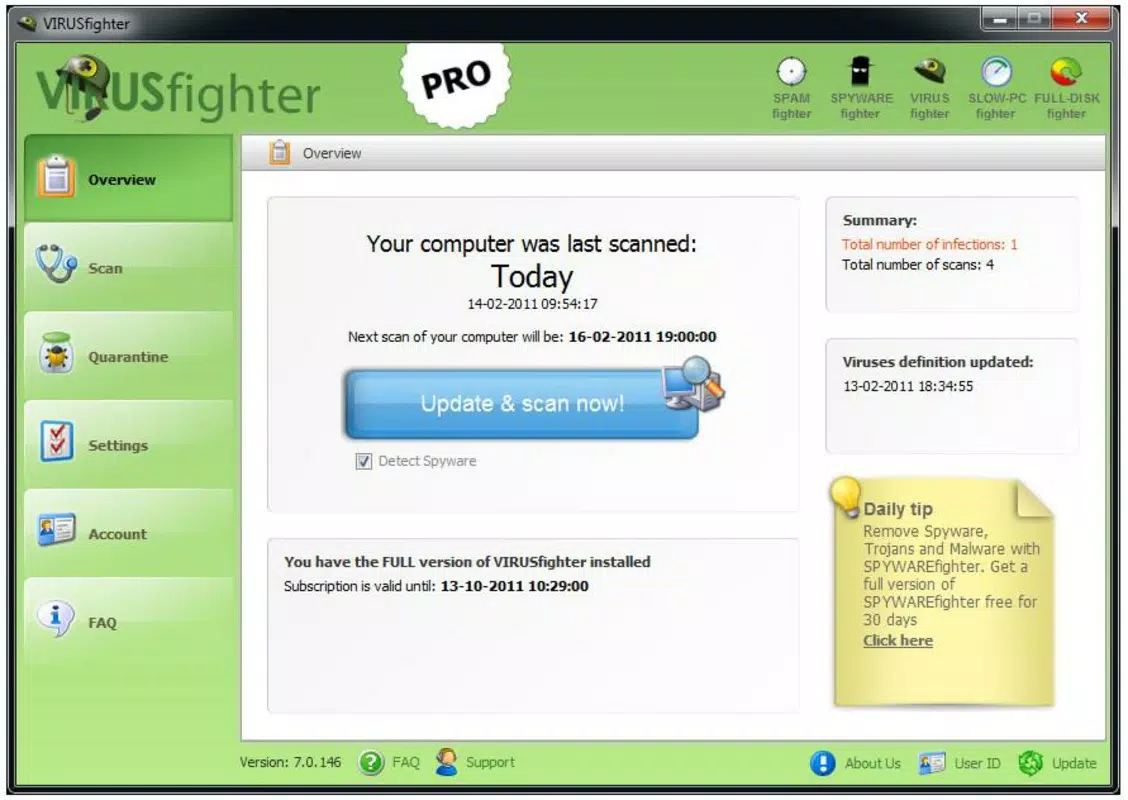
- User-Friendly Interface: The layout is intuitive, with clearly labeled buttons and logical navigation. Even users with limited technical knowledge can easily access scan tools, settings, and threat reports without confusion.
For example, a user preparing to transfer sensitive documents can run a quick scan to ensure no hidden malware is present. Similarly, someone using public Wi-Fi can rely on real-time protection to prevent unauthorized access. These practical applications highlight the app’s relevance in everyday digital life.
Interface, UX & Performance
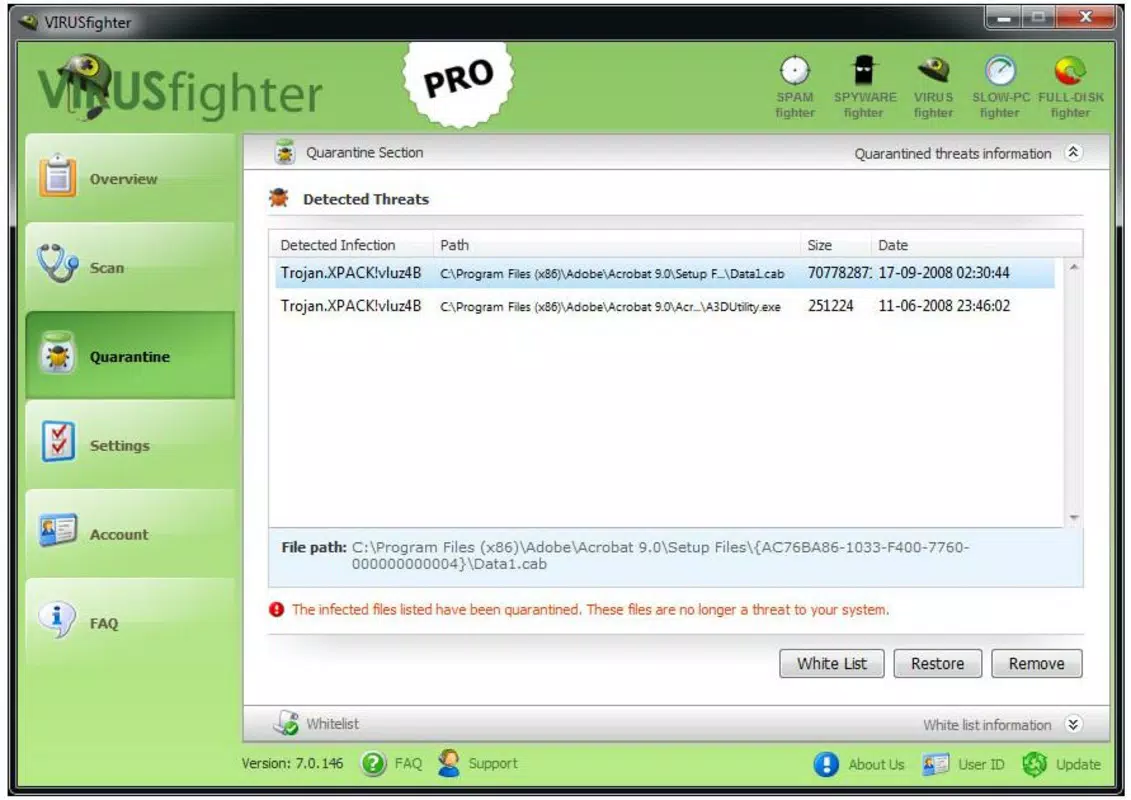
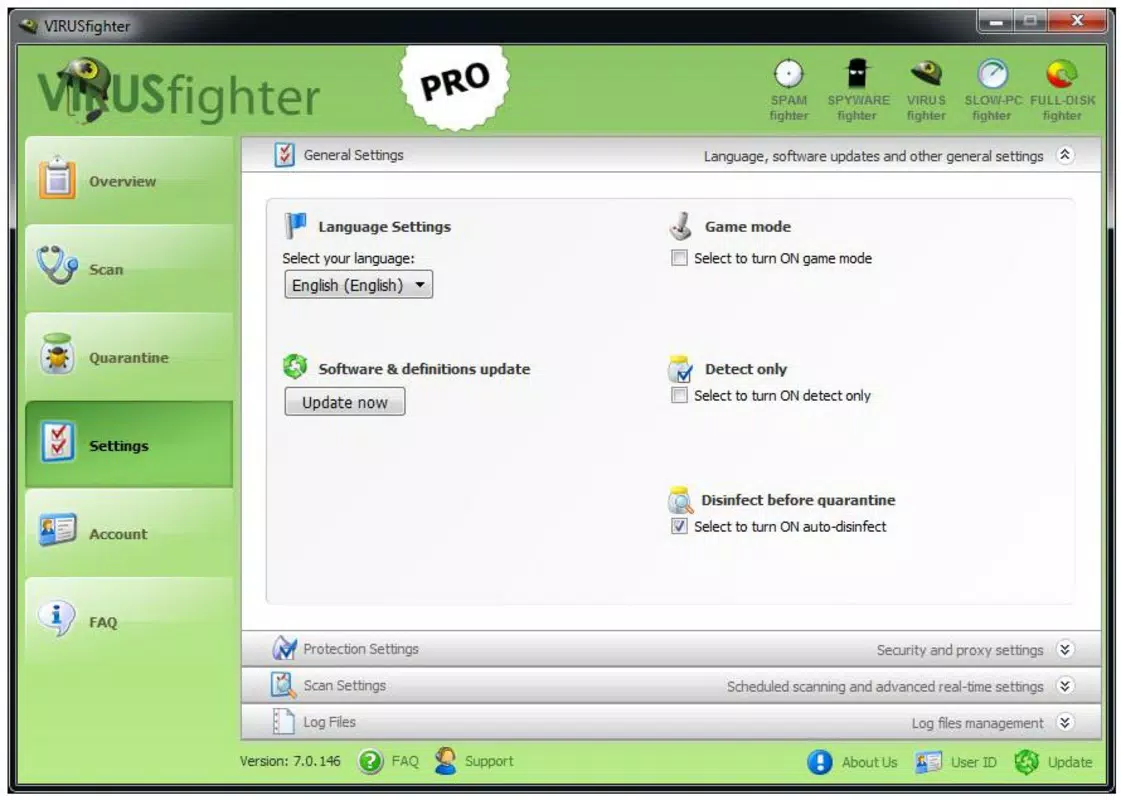
The user interface of VIRUSfighter is clean and minimalist, featuring a consistent color scheme and well-organized layout. Navigation is straightforward, with primary functions—such as scanning, settings, and threat history—accessible from a central dashboard. The app maintains responsive interactions, with buttons reacting instantly to taps and transitions between screens being smooth.
Although the developer did not list formal performance metrics, the app’s design philosophy suggests optimized performance across a range of device categories. Users on mid-tier and entry-level smartphones are likely to experience stable operation, with minimal lag during scans or updates. The app does not appear to consume excessive battery power during background checks, a common concern with antivirus tools.
Stability is maintained through efficient code architecture, allowing the app to run reliably over extended periods. While specific compatibility details are not available, the interface remains consistent across different screen sizes and orientations, supporting a seamless user experience. Overall, the UX design reflects a focus on usability and reliability, aligning with modern mobile standards.
Platform Compatibility & Technical Requirements
VIRUSfighter is available for Android devices. The app’s operating system requirement is not explicitly stated, but it is designed to function on a wide range of Android versions, likely including those from the past few years. The file size is reported as 15.4 MB, which is relatively small and suitable for devices with limited storage space.
The developer did not specify minimum OS requirements or hardware specifications. Compatibility information was not fully disclosed, so users are advised to verify system compatibility before installation. The app is designed to be lightweight, which may improve its performance on older or low-end devices, but this remains unconfirmed due to the lack of detailed technical data.
Pros and Cons
Pros
- Lightweight design with minimal impact on system resources
- Fast scanning capabilities for quick threat detection
- Regular real-time updates to the malware database
- Intuitive and easy-to-use interface
- High detection rates for known malware threats
Cons
- Developer background not publicly disclosed
- Specific OS and hardware requirements not listed
- Performance on older devices not independently verified
- No mention of cloud-based scanning or advanced threat intelligence
- Compatibility with iOS not confirmed
FAQ
Is VIRUSfighter safe to install on my Android device?
Yes, VIRUSfighter is designed as a legitimate security tool. It does not contain known malware and operates within standard Android permissions. Users should download it only from official sources to ensure authenticity.
Does VIRUSfighter work on iOS devices?
The developer did not provide information on iOS compatibility. Based on available data, the app is currently designed for Android platforms only.
How often does VIRUSfighter update its virus database?
The app performs automatic real-time updates to its virus database, ensuring protection against the latest threats. Users do not need to manually trigger updates.
Can I use VIRUSfighter on older smartphones?
Due to its lightweight design and low resource consumption, VIRUSfighter is likely suitable for older Android devices. However, specific compatibility details were not disclosed.
Is VIRUSfighter free to download and use?
While the app’s pricing model is not specified, many similar antivirus tools offer free versions with core features. Users should check the official store listing for current pricing and subscription details.
Final Thoughts
VIRUSfighter stands out as a streamlined, efficient antivirus solution tailored for users who demand strong security without sacrificing performance. Its low resource footprint, fast scanning, and consistent detection rates make it a reliable choice for everyday protection. The intuitive interface ensures accessibility for all users, while real-time updates provide ongoing defense against emerging threats. Although some technical details remain unspecified, the app’s design priorities reflect a user-centric approach to mobile security.
Individuals managing multiple apps, handling sensitive data, or using older devices will benefit most from its balanced performance and protection. For those seeking a secure, lightweight antivirus tool, VIRUSfighter delivers a compelling value proposition.
Download VIRUSfighter now


